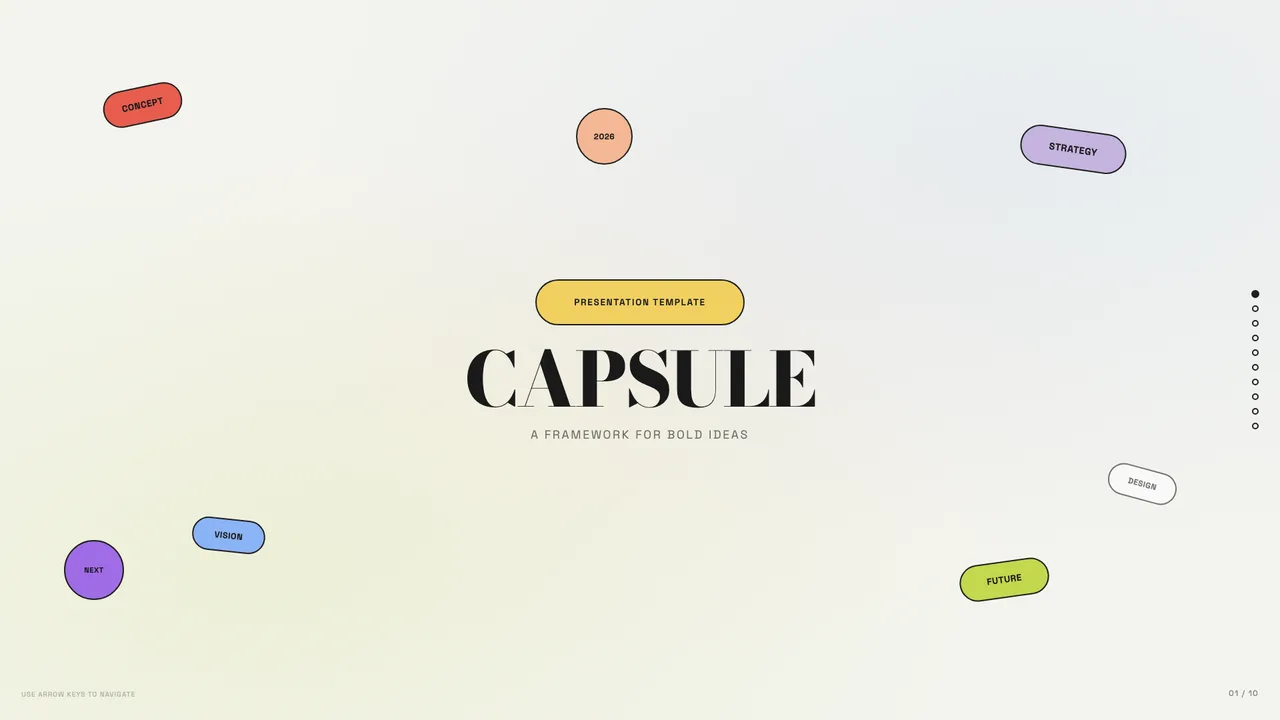
Capsule
Modular pill-shaped cards on warm bone with a full pastel-pop palette.
Traditional web-based presentations often ship as a loose collection of files: an index file, nested stylesheet directories, vendor script bundles, and dozens of loose PNG or SVG files. On a local machine or dedicated staging server, that layout seems tidy. During real-world distribution, however, relative paths frequently fail.
Moving a folder between operating systems, emailing a compressed zip archive, or extracting files into flat directories routinely severs relative image paths. Presenters often arrive at podiums only to face missing diagram placeholders and broken font linkages. Consolidating the presentation into a self-contained document eliminates external path dependencies entirely.
A single-file HTML presentation bundles all document structures, layout rules, and media within one document. Because inline SVG or data-URI assets reside inside the file payload, the deck requires no active network connection or local web server to function properly.
You can open the document directly from a USB stick, preview it in any modern browser, and navigate through slides without worrying about venue Wi-Fi blocks or remote CDN outages. As shown in the Capsule template, even multi-color card layouts using Bodoni Moda display serifs and Space Grotesk body text can render reliably offline when fonts and styles are self-contained.
From an archival standpoint, single-file documents behave like digital paper. Storing presentation history across long project timelines usually results in broken subfolder links when asset folders get renamed or reorganized. A single `.html` file can sit in cold storage for years and still render predictably.
Version control systems like Git also handle single-file approaches cleanly. Instead of tracking dozens of moving binary assets and directory restructurings across separate commits, diffs remain focused on the actual slide content. If you inspect the structured approach of Cobalt Grid, which pairs Newsreader and Hanken Grotesk on ivory #F0EBDE paper with an electric cobalt #1F2BE0 ink accent, every slide division and text update registers as a predictable line change in git history.
While single-file architecture provides unmatched portability, it introduces real engineering trade-offs that creators must weigh. Inlining high-resolution photography via base64 strings increases raw file size by roughly 33 percent compared to binary formats. A deck with fifty raster photographs can quickly grow into a multi-megabyte text file that strains text editors.
Furthermore, code navigation requires discipline. When CSS rules, document structure, and slide contents coexist in a single document, finding specific style rules demands clear naming conventions. For teams used to modular component imports, adopting a monolithic document requires adjusting local editing workflows.
Building a single-file presentation does not require manual base64 encoding or manual CSS bundling. Coding agents using the open-source frontend-slides skill handle the heavy lifting directly on your local workstation. The workflow happens in your local terminal environment rather than on an external cloud server.
Browse the available designs in our guides and individual template pages, inspect the typography guidelines in the main guide, or review the code licensing details on our licenses page. You can then direct your local agent to assemble, modify, and render your custom slide decks directly within your private development environment.
Modular pill-shaped cards on warm bone with a full pastel-pop palette.
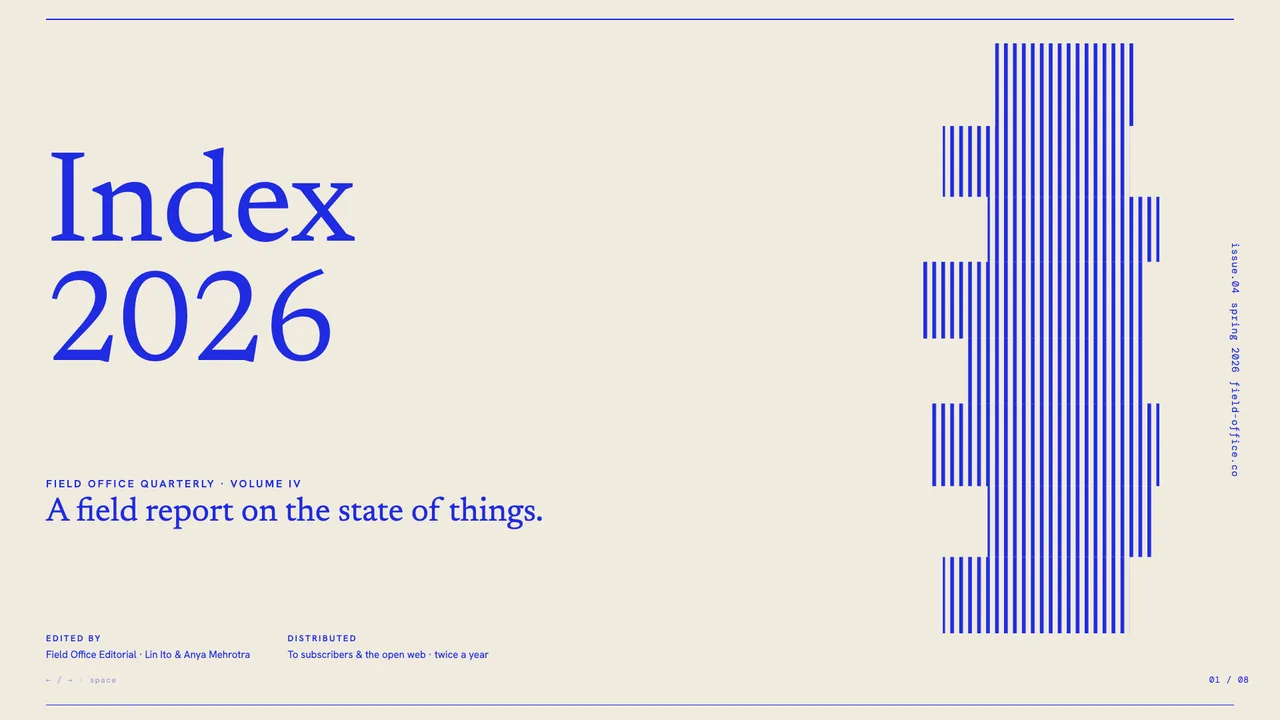
Electric cobalt serifs on a graph-paper canvas, anchored by stair-stepped pixel-glitch decorations and slim hairline rules.
No. The gallery serves strictly as a visual reference and template browser. Generating presentations, compiling single-file bundles, and converting slides occurs entirely on your own computer using your local coding agent.
Compress photographs to reasonable display dimensions before converting them to base64 data URIs. Where possible, prioritize inline SVGs and CSS shapes to keep file sizes lean and responsive.